Digital Work Instructions: Going Paperless Without Digitizing a Bad Process
A paper work instruction gets coffee-stained, goes out of revision the day a process changes, and disappears when someone throws away the binder. What digital work instructions actually change, and the pitfall of digitizing a broken process.
July 22, 2026 ·
Updated August 28, 2026 ·
4 min read ·
SCMEP Training Team ·
106 views
Share
A paper work instruction taped to a machine gets
coffee-stained, goes out of revision the day a process changes, and
disappears entirely when someone finally throws away the binder it came
from. Digitizing it doesn’t fix a badly written instruction — but it
does fix the part where nobody’s actually looking at the current
version.
What digital work instructions actually change
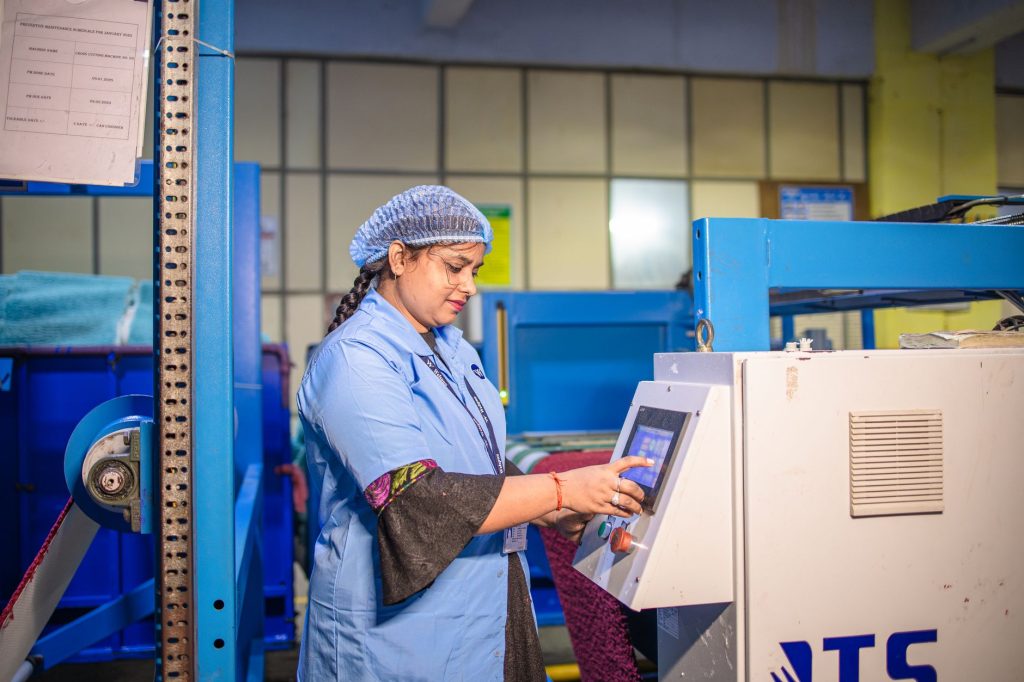
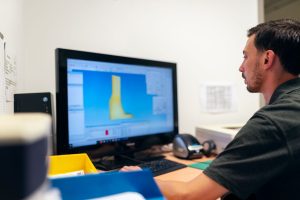
Digital work instructions replace paper travelers and printed
station instructions with a tablet, monitor, or wearable display that
shows the current-revision procedure at the point of use — with images,
video, and step-by-step sequencing that static paper can’t reproduce.
Because the content lives in a system rather than printed copies, a
revision update reaches every station simultaneously, eliminating the
stale-copy problem that plagues paper-based instruction control.
Where digital instructions connect to MES
What paperless systems typically add
Feature
Benefit over paper
Revision control
Every station shows the current version automatically; no stale printed copies
Embedded media
Images and video clarify steps that text alone struggles to describe
Point-of-use data collection
Quality checks and sign-offs are captured directly at the step where they happen
See our related guide on
MES and ISA-95 for the system that often hosts digital work
instructions as a module — capturing quality data at the exact step
where it’s collected, rather than on a separate paper checksheet
filled out after the fact.
The pitfall: digitizing a bad process
A poorly sequenced or outdated work instruction doesn’t get better
by moving from paper to a screen — it just becomes a bad process that’s
paperless. Facilities that see real benefit from digital instructions
typically clean up the underlying standard work first, then digitize a
process that was already correct, rather than expecting the software
to fix content problems on its own.
Multi-language and workforce flexibility
Digital systems make it straightforward to display the same
instruction set in multiple languages or switch between text-heavy and
visual-heavy formats depending on the operator, which is harder to
manage consistently with printed sheets that would otherwise need
separate translated versions kept in sync by hand.
Digital work instructions replace paper travelers and printed station instructions with a tablet, monitor, or display showing the current-revision procedure at the point of use, including images, video, and step-by-step sequencing.
How do digital work instructions solve the stale-copy problem?
Because the content lives in a system rather than printed copies, a revision update reaches every station simultaneously, eliminating the risk of operators working from an outdated printed instruction.
Do digital work instructions fix a bad process?
No. A poorly sequenced or outdated instruction doesn’t improve by moving to a screen — it just becomes a bad process that’s paperless. The underlying standard work needs to be correct before digitizing it.
How do digital work instructions connect to MES?
Digital work instructions are often hosted as a module within an MES, allowing quality checks and sign-offs to be captured directly at the step where they happen, rather than on a separate paper checksheet filled out afterward.
South Carolina Manufacturing Extension Partnership has delivered manufacturing training to South Carolina manufacturers since 1989. Articles are produced and reviewed by SCMEP's training team.